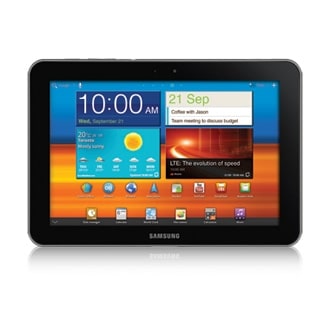
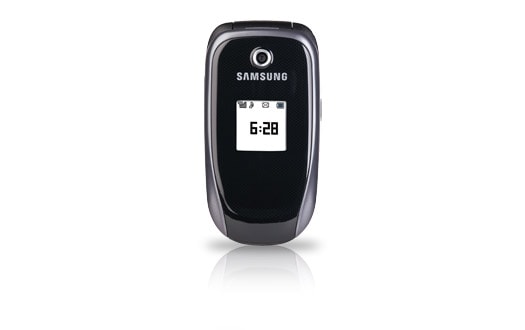
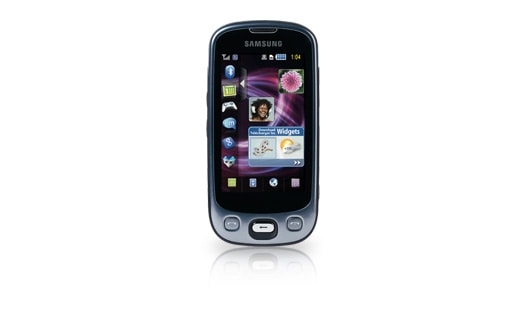
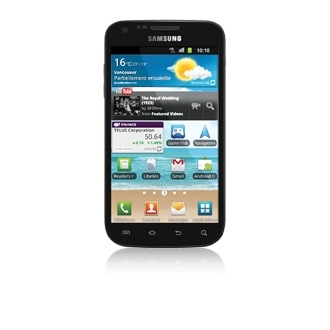
Samsung GALAXY Note 3 Official TVC - Messi's Note (The Developer)



En poursuivant votre navigation sur ce site, vous acceptez l'utilisation de cookies. Ces derniers assurent le bon fonctionnement de nos services. En savoir plus.
|
Description |
Language | ||
|---|---|---|---|
| User Manual | 2011.11.30 | ENGLISH | 0.96 MB |
| User Manual | 2011.11.30 | FRENCH(North America) | 0.9 MB |
|
Description |
Language | ||
|---|---|---|---|
| User Manual | 2010.03.05 | ENGLISH | 2.18 MB  |
| User Manual | 2010.03.05 | FRENCH | 5.46 MB |
|
Description |
Language | ||
|---|---|---|---|
Installation Guide(Bell) ![Installation Guide(Bell) Help tooltips : How to install BMC Impact SGHT746
1. Press Cancel button if you computer pops up new hardware wizard window after the phone is connected to your computer''s USB port.
2. Find a USB Composite Device which has USBVID_04E8&PID_6601 in Details tab from Device
Manager of your computer.
(My Computer > Manage > Device Manager > Universal Serial Bus controllers > USB
Composite Device > Properties > Details)
3. Select the USB Composite Device which has USBVID_04E8&PID_6601 in Details tab, and press
right button of the mouse and select Update Driver.
4. Select Install from a list or specific location [Advanced]and then press Next
5. Select Don''t search. I will choose the device driver to install.And then press Next
6. Select SAMSUNG USB Composite Device, and then press Next
7. The computer will copy device driver files and complete the hardware update wizard. Then
Press Finish button.
8. The device will be shown as SAMSUNG USB Composite Device.
Now The device is ready for New PC Sutdio to connect the device.](http://www.samsung.com/ca/support/common/img/bul_support_advice.gif) |
2009.12.14 | ENGLISH | 0.76 MB |
| Installation Guide(Bell) | 2009.12.14 | FRENCH | 0.76 MB |
| User Manual(Bell) | 2009.11.09 | ENGLISH | 5.11 MB |
| User Manual(Bell) | 2009.11.09 | FRENCH | 3.41 MB |
|
Description |
Language | ||
|---|---|---|---|
| User Manual | 2011.10.29 | ENGLISH | 9.95 MB |
| User Manual | 2011.10.29 | FRENCH(North America) | 9.4 MB |